This is a third-party script/app and is not created by the WaniKani team. By using this, you understand that it can stop working at any time or be discontinued indefinitely.
I am taking over the maintenance of @rfindley script Dashboard Progress Plus because the original author is no longer maintaining it. The first version is totally rewritten to accomodate the new widget-based dashboard.
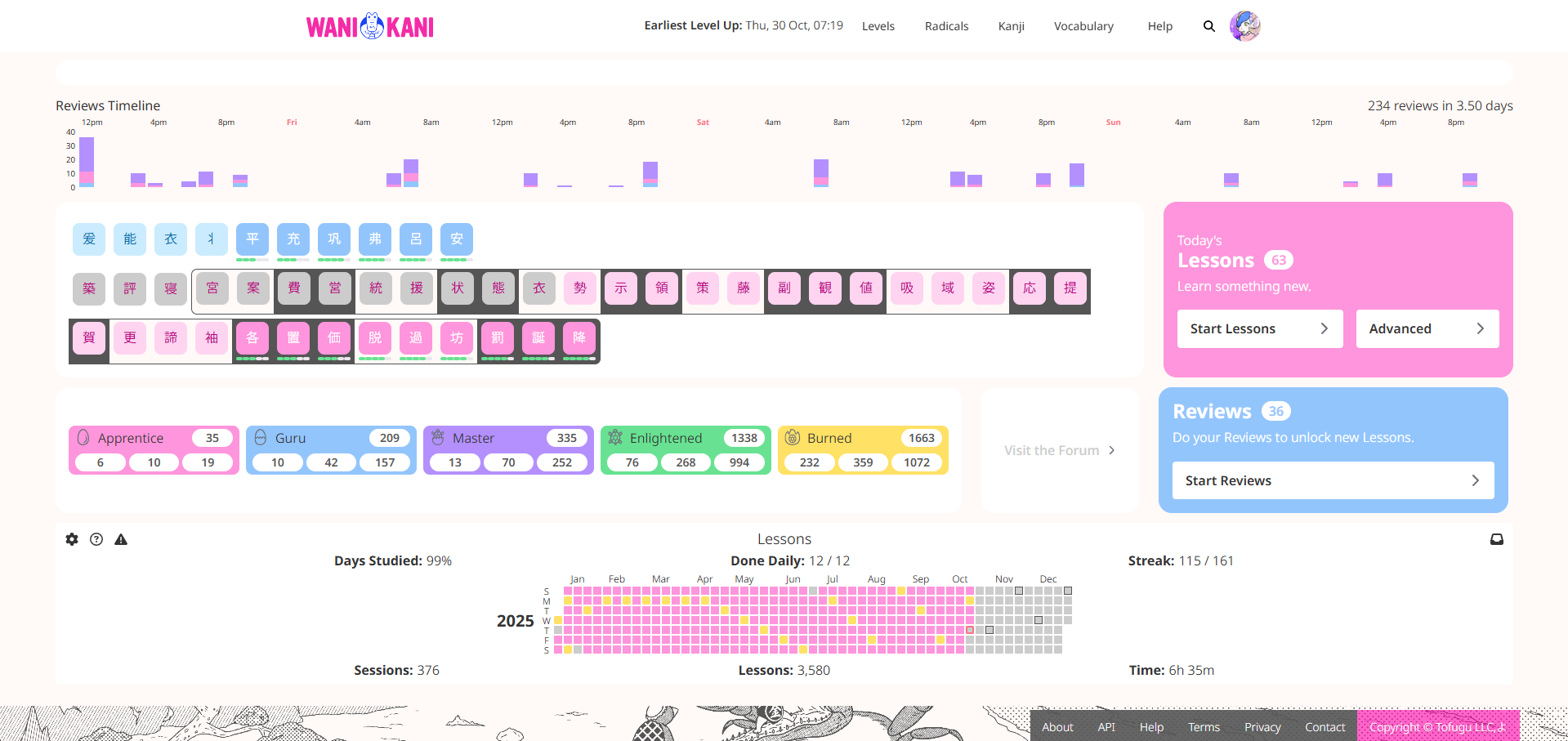
This script lets you easily track your progress to a new level by placing a series of tiles for the radicals and the kanji. A ring is traced around the 90% most advanced kanji. When the ring is filled with guru kanji you reach a new level. Popups display convenient information about the item when you hover the mouse pointer over a tile.
A pair of setting lets you control where in a dashboard the tiles will be located. One setting lets you choose a widget row. The other setting lets you chose whether Dashboard Progress Plus is positioned before, after or in an empty widget cell of the selected row.
Version History
Version 4,2,2 - Very minor bug fix.
Version 4.2.1 - Bug fix
Version 4.2.0 - Added support for Breeze Dark and Elementary Dark
Version 4.1.0 - Changes to the settings for positioning Dashboard Progress Plus
Version 4.0.0 - Upgrade to the new dashboard - first version from prouleau
I realize now it was the wrong place to ask what I had intended because this widget only tracks us up to it being ‘gurued.’
Instead I was asking if a widget could be created such that when it shows ALL the radicals, kanji, or vocab for a specific Level, if that widget could include actual SRS level, e.g., Apprentice 4, Guru 2, Master, etc.? Right now, when we click on Levels, we get the following:
So, under the definitions for example it would have Locked, Lesson, Guru 2, Expert, etc. Now that I think about, I don’t recall this ever being asked for in the past. So, maybe, people aren’t interested in this since in a click and a scroll, we can get this information (but not the actual Apprentice or Guru stage). But still, just thought I ask
If no interest (by the rest of us or you!), then that’s okay. I’ve made this far without it…I think I’ll survive the rest of the way without it
The information your are looking for is in the popups. I have no plan to provide vocabulary items because this is not needed to track progress. The functionality you are looking for is in Item Inspector.
i’ve reimplemented my own personal functionality
since i don’t know how to build off another script without directly editing it, i’ve decided to just use a style this time
i had edited the previous version with math to figure things out for me, but this can work for now
the blocks of grey tell me how many kanji lessons to do per day without needing to count and double, triple, quadruple check to make sure i’m doing the correct amount for how quickly(slowly) i want to level up
Is the time synchronized to our timezone ? It looks a bit off to me. If it is and this works out for me, do you have a ko.fi?
I have been waiting for the hover to come back, and lost days on my SRS due to miss-timings and not being able to know when items will be due, so this will save me around a month per year of time.
The time should be synchronised to your local timezone based on your OS settings. The code uses time features that interpret the timestamps in local timezones. If this is off you should check your OS settings.
OMG I actually just remembered that tonight we change our clocks to remove an hour for daylight savings… Embarassing, thanks a lot, it is probably this..
Version 4.1.0 is available - please download it at the link in the top post.
There was a change to the settings for positioning the script in the dashboard. You now have the option to position Dashboard Progress Plus before, after or in a widget cell of a selected widget row.
Thank you! Can you make it compatible with Breeze Dark Colors like your awesome inspector script? Or perhaps this is already possible and I’m just not doing something correctly? The font “Progress to level up” “radicals” “kanji” is a little too light compared to the background, would love for it to be bolded. In general, love the look of the other script with dark breeze applied. Thank you again!
I’d also love to see the CSS from the old script updated to use the WK CSS variables too. That (removing hard-coded colors in favor of the variables) should be all that’s needed to have compatibility with the currently maintained userstyles.
If possible, during such a style update, I would also like to see items colored with the “in lessons” colors in addition to the locked and in progress colors.
I was actually planning on tackling all this myself if you never got around to it or no one requested it.
This is a third-party script/app and is not created by the WaniKani team. By using this, you understand that it can stop working at any time or be discontinued indefinitely.
 You’ll need a script host plugin like TamperMonkey
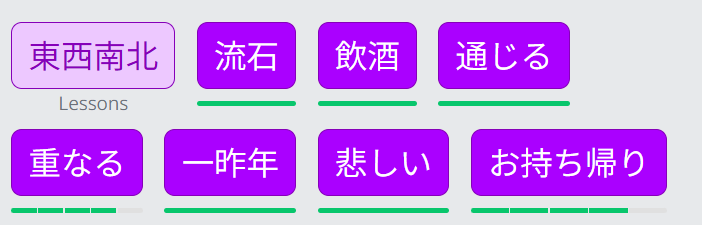


 thank you~!