I opted to add this as an account setting instead of a widget configuration option in case any future widgets or parts of the app choose to display times.
Could we please have an option for all the reviews to come in once a day now that we have this setting?
If they all came in at 00:00 or something that would be a huge help.
I detailed it further in All Reviews At X Time
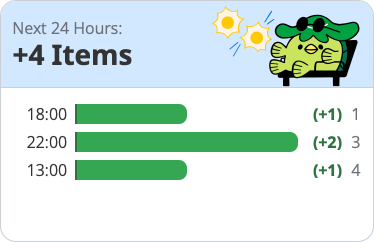
But basically, your system already knows all the reviews that are due as shown in your screenshot (eg 1 at 18:00, 3 at 22:00, 4 at 13:00), the setting would only change the reviews retrieved the entire day, rather than retrieving the entire day specific to which hour its in. I can’t imagine this is more than 30 minutes of dev time as your system already does more than this.
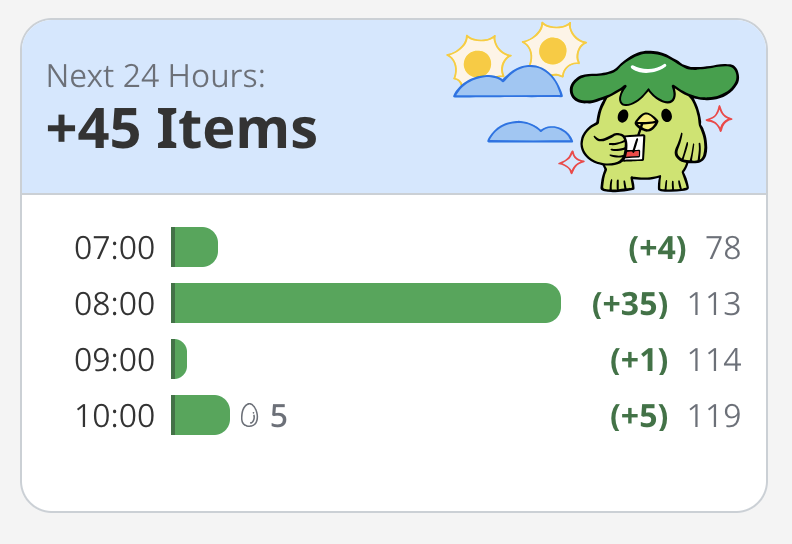
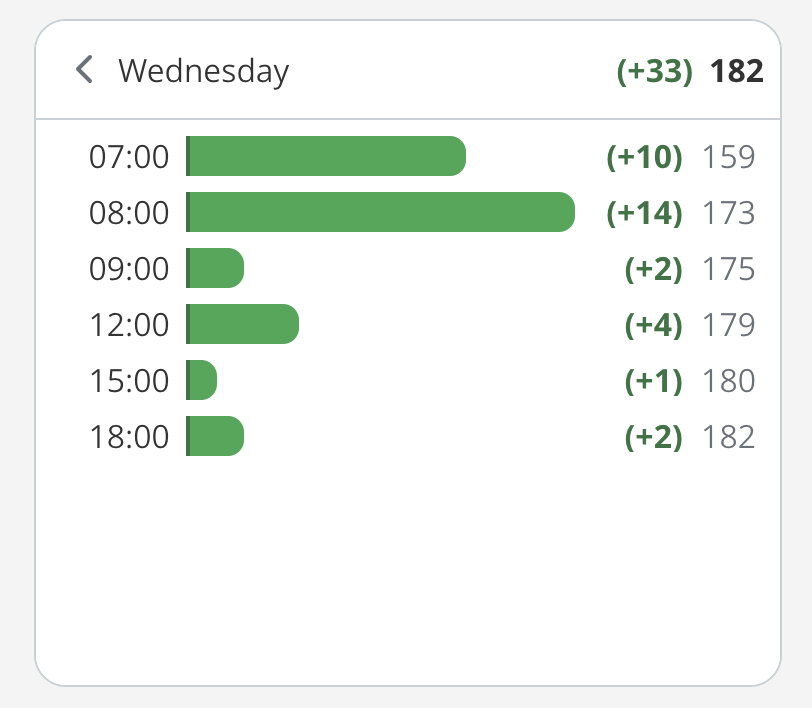
Basically I do everything in the morning and then only one review in +4h of the day (usually ~5 items from lessons) and then let everything laps to the next day so everything is more or less at the same time: