This is a third-party script/app and is not created by the WaniKani team. By using this, you understand that it can stop working at any time or be discontinued indefinitely.
What does it do?
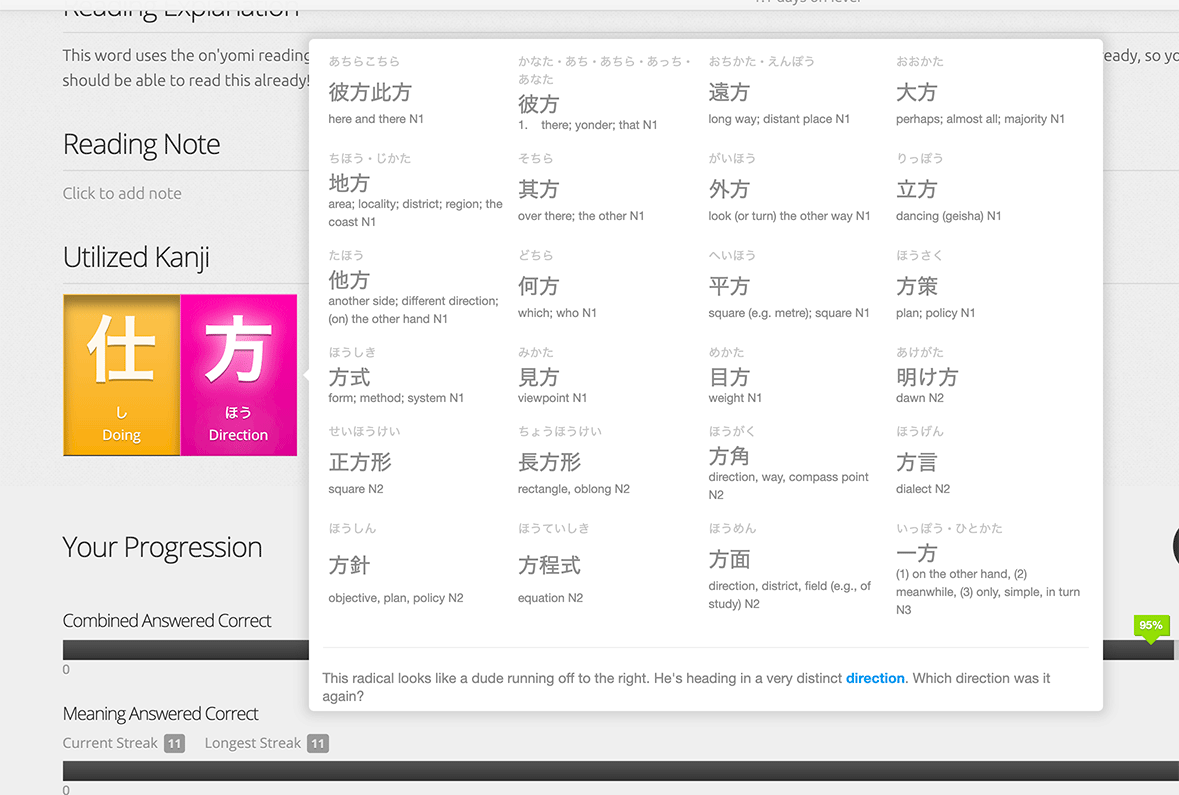
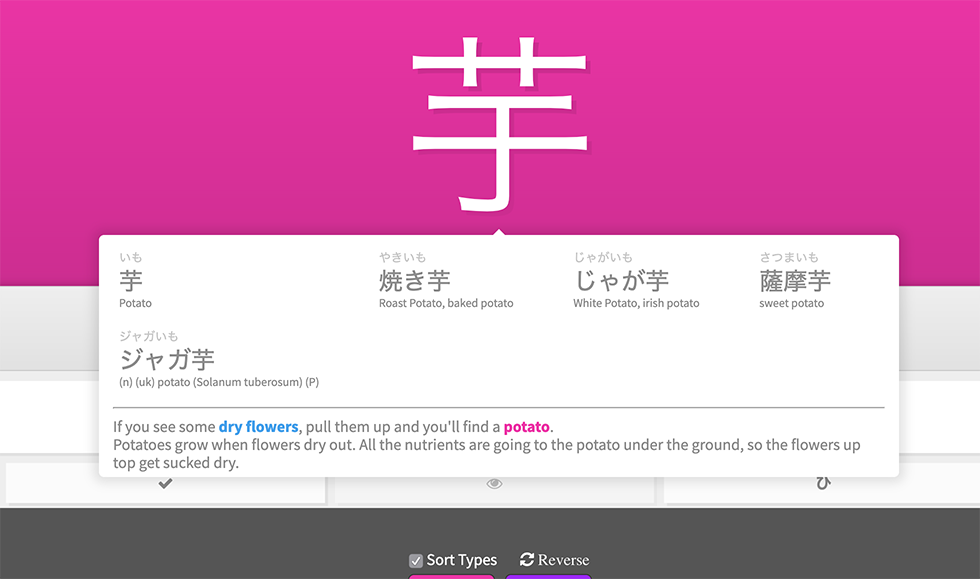
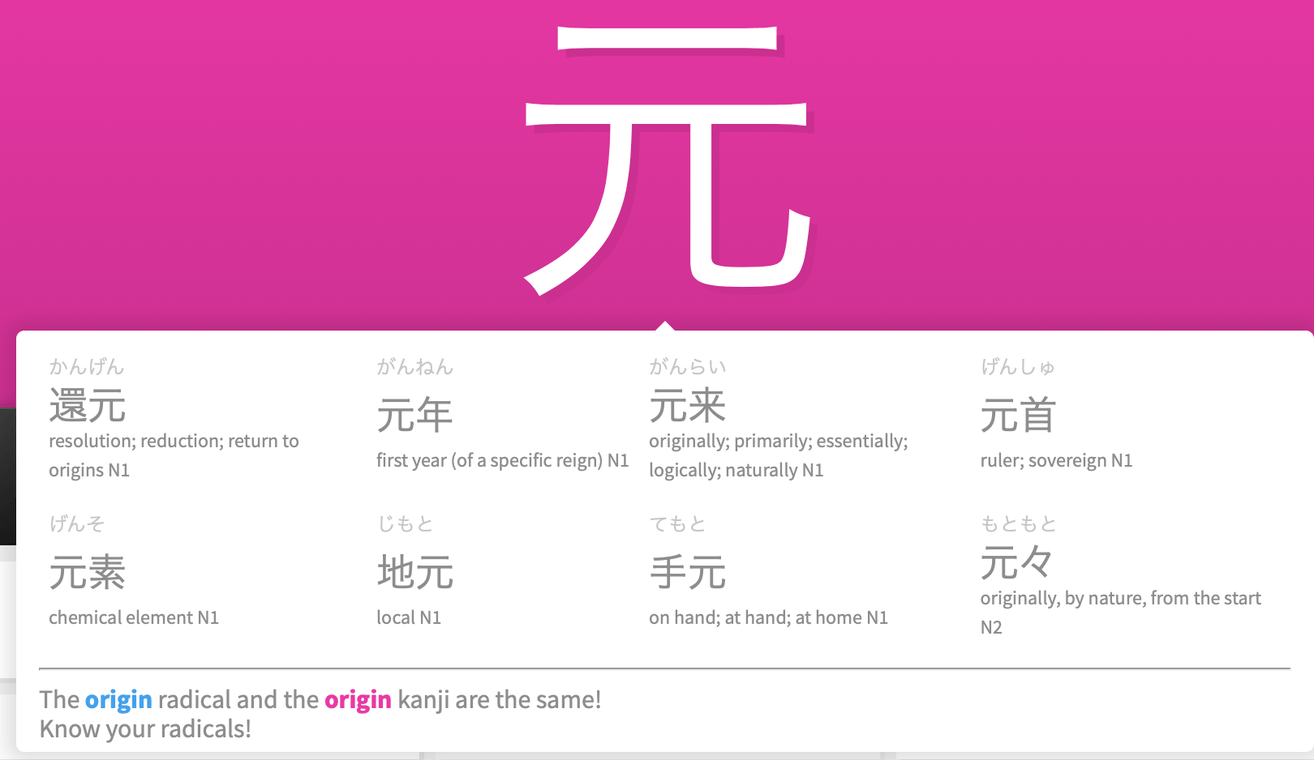
This script shows information (meaning mnemonics and vocabulary in which the item is used) for radicals and kanji in a tooltip. It looks like this:
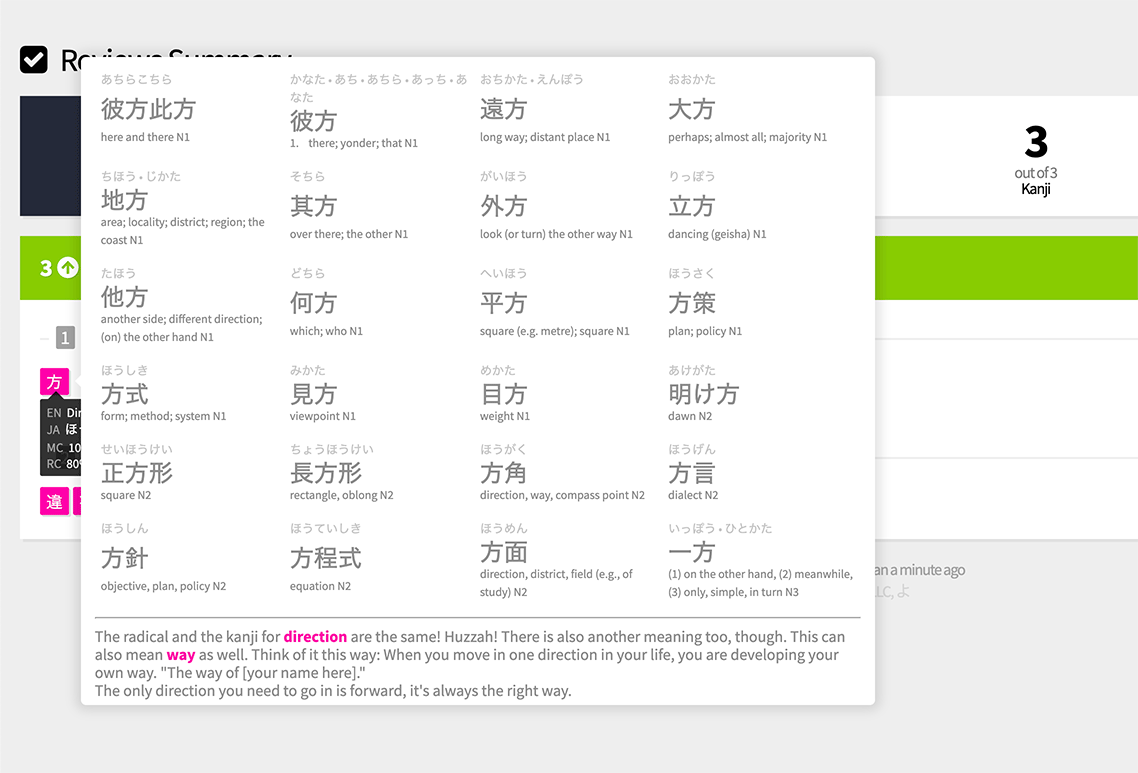
If you want to see fewer vocabulary items in the tooltip because they take up quite a lot of space, you can override the config at the beginning of the script:
  // CONFIG START ----------------------------------------------------
        var config = {
            //if set to true, tooltips will automatically displayed during reviews when asked for the reading
            automaticallyShowTooltipDuringReviews: false,

            //change these numbers if you want to see fewer vocabulary items in the tooltips
            //number of vocab on desktop
            maxVocabItemsInTooltip: 24,
            //number of vocab on mobile
            maxVocabItemsInTooltipOnMobile:12,

             //could be used to inject custom notes into tooltips; ask in the forum thread in case you are interested about this
            customNoteCsv : ""
        };
        // CONFIG END ------------------------------------------------------
You can install it via Greasyfork: WaniKani Item Hover Details
Support
It is tested only very quickly on Chrome and iOS (because that is how I’m mainly using it myself Running userscripts on iOS: a workaround)
It contains a minified version of a tooltip library, I’m not sure if this will cause a problem with Greasyfork at some point. This was easier for me to do because of my iOS workaround. But if someone is using it and Greasyfork decides to remove the script because I didn’t include the script from an external source, I can update it.
Other than that, I’m not sure if I can provide many bugfixes or enhancements for this since it is just something I quickly threw together for my own use and my free time is unfortunately a bit limited. But I wanted to share it anyway, maybe someone finds it helpful as it is.
Thanks
Thanks to all the other script authors from whom I keep randomly copying code, I forgot which scripts I was looking at so I don’t know whom’s code I’m ripping off here 
I do however know that I probably would not have even started doing this if we didn’t have the awesome WKOF available. Thanks @rfindley!


 I almost always hover my mouse to the radicals/kanji to reread the mnemonic quickly. Or go to that page to really reread/relearn that specific radical/kanji. And I LOVE the vocab list!

 I’m also using it very frequently and find the vocab list super helpful.
 ) config options. I’m not sure how anyone else is using this script so the tooltip might be too big and bulky for other now? If yes, you can decrease the maximum number of vocabulary items that are displayed. If you decrease 24 to e.g. 4 or 8, things should get more manageable: