We’ve just added a couple more options around “Priority” reviews (“Priority” reviews are just what we’re calling any Apprentice level item in your Review queue).
The reason we want to emphasize these items is because they are more likely to be weaker memories, and thus more likely to be forgotten if you try to recall them too far outside of their timings. Compare this to higher SRS stages, which have increasingly more "wiggle room in terms of when you review them.
To help you with this, we have added priority review indicators to both the Reviews Widget as well as the Forecast widgets.
Note: For now, you cannot edit widgets you’ve already placed, so if you’d like to use these new features, you’ll need to remove the original widget and add a new one with the option(s) enabled.
Priority Reviews in the Reviews Widget
You can now add a Reviews widget that also displays the number of “priority” reviews you have.
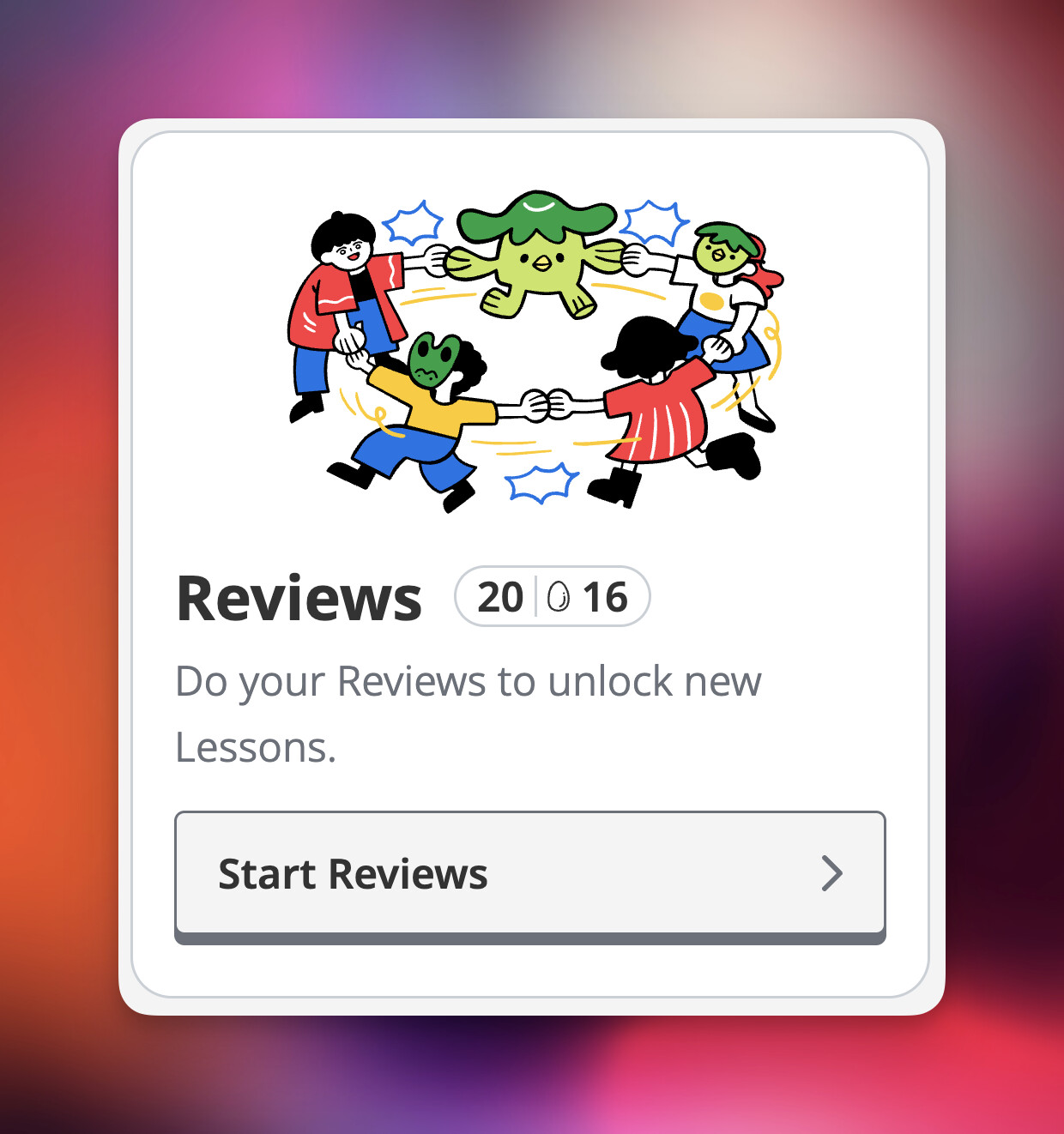
The number shown is the total of all Apprentice stage items available in your Reviews pile. For those of us with limited time, who need to carve out time in a day to get our Review piles done, I think this feature will be helpful as it will better allow you to choose how to spend the time that you do have.
If you have the time to regularly do your Reviews (i.e. a few times a day) then you probably don’t need to turn this on.
Priority Reviews in the Forecast Widgets
Both the 5-Day Reviews Forecast and the 24-Hour Reviews Forecast now have a “priority reviews” option that you can turn on. When selected, your forecast widgets will show you both when and how many Apprentice stage reviews you have coming up on any given day or hour.

You can also click into any day of your 5-day forecast and see hour-by-hour when priority reviews are incoming.

This way, you can look at your upcoming Reviews and make decisions such as, “I was going to do my Reviews at 7 p.m., but I have a big batch of priority reviews dropping at 9 p.m., so I’ll do my other thing earlier and then do my Reviews a couple of hours later when that Apprentice pile drops.” Taken together with the priority reviews count in the Reviews Widget, you can start making better decisions about how to schedule your review sessions.
+“Apprentice First” & “Lower SRS Stages First” Reviews Ordering
I also wanted to mention the Review Ordering updates from last week, because much like Kewpie and sliced strawberries, they make for an exquisite pairing when combined with the two priority review widget features we released today.
When all put together, you can:
- Know how many high priority reviews you have right now,
- know how many priority reviews are coming up, and when they’re coming. And then,
- prioritize doing those reviews first, if you don’t have the time or energy to do them all.
That said, I do want to emphasize here that even those higher SRS stage items will be forgotten at some point, and that the overall Reviews number is still how many reviews you ought to try to get done.
That said, I hope these features help you schedule when you do your Reviews and, when your time is limited, help you prioritize the items you’re more likely to forget.


 I’m so used to it being blue that it feels wrong when it’s not, and I might have to turn the priority view off for this widget
  the blue is a big indicator to me that “Hey! It’s time to do the thing now!”


 something’s gone wrong, I think!