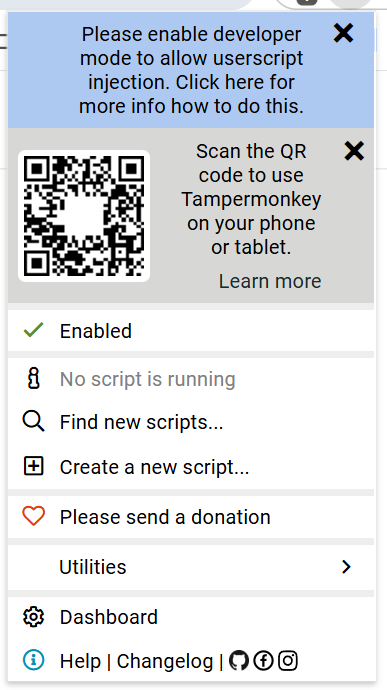
Given that Tampermonkey is still notifying you to “please enable developer mode”, it seems you didn’t actually do that. As I understand it, enabling developer mode on a Chromebook entails wiping all of the existing user data; can you confirm that all your old files were gone after you restarted?
I only go to the “Manage extension” part on the browser, and clicked on activated “developer mode” with that small button on the right top corner of the page. Is there ay other way? Also I am ok to wipe the cashe but I dont know how to do it?
Well, it’s very strange that you have developer mode enabled yet are still receiving the warning, but I think I understand the situation. According to this FAQ, it’s possible you’ll also need to turn on “Allow User Scripts” for Tampermonkey. I’m afraid I’m at a loss if that additional step doesn’t sort things out, so hopefully it works.