Hello!
I am not sure what happened, but when adding a user synonym and then pressing “Esc” to leave the popup, my screen turned into this :
Macbookpro using Chrome
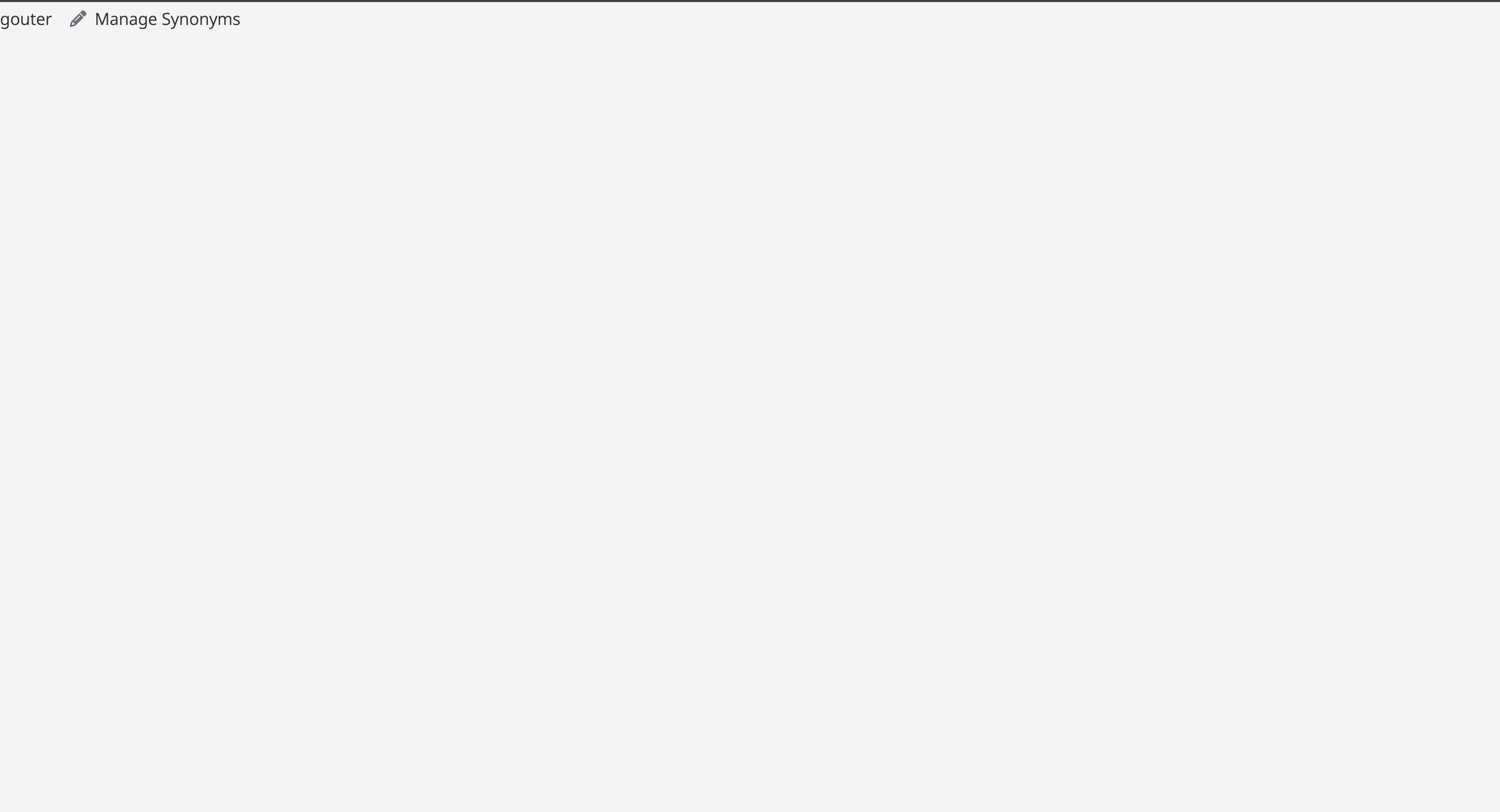
I was able to replicate the issue multiple times
Hello!
I am not sure what happened, but when adding a user synonym and then pressing “Esc” to leave the popup, my screen turned into this :
Macbookpro using Chrome
I was able to replicate the issue multiple times
Classic first question: are you running any user scripts and does it persist if you turn them off?
I only use back to back but never encountered any issue till then, I will try once I have new reviews, good idea!
For what it’s worth, I’m running into the same bug in both Safari for Mac and Brave for Mac (all latest versions). I’m running vanilla Wanikani with no scripts. 100% reproducible:
Same here with no scripts  Probably due to the update to the button
@Mods what do you think?
Same situation on my end. No scripts, currently running on chrome. Only started having the bug after the new update.
Some minor bug-testing. It seems that if the “Add synonym” box is opened, I can press escape to exit like normal. If I actually add a synonym, escape seems to either do nothing, or direct to the mostly blank page as shown in the original post. When escape causes nothing to happen, continuing to press escape would eventually cause it to go to the same blank page.
A fix is being pushed out soon. Will update in a bit!
This should now be fixed!
The problem is fixed! Thanks a lot for the speed
The behavior is now “Esc” closes the popup but also all the “Tabs”. Maybe it would have been better if it just closed the popup, but I do not remember if that was the case before