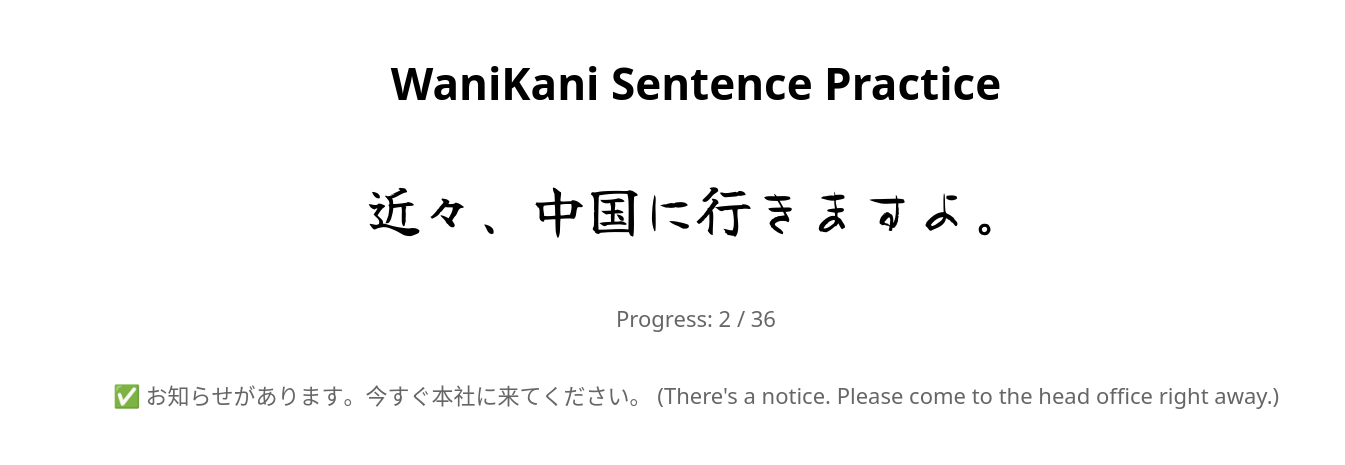
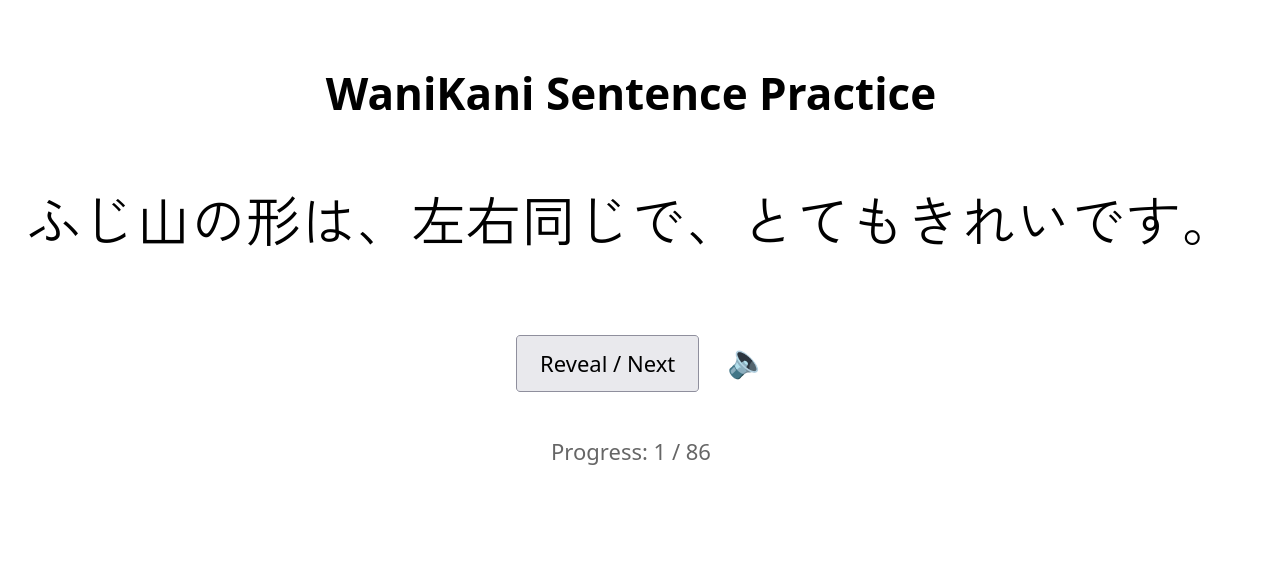
I quickly mocked up this “WaniKani Sentence Practice” browser-only tool. It…
Uses your WaniKani API key to fetch vocab with reviews due in a user-specified time window.
Shows one random context sentence per vocab word
Skips sentences you’ve already seen today
Randomizes the vocab order
Randomizes the Japanese display font (would be great to be able to turn this off. Or say “don’t use this font anymore”.
Tracks progress and review history in localStorage (although this progress tracking isn’t utilized in any way at this point, tbh I’m not sure I care. I just want to read sentences.
Ok, I changed things a bit. There’s now a settings panel so that you can specify the window of time you want to review. So, for example, in this screenshot I’m saying “I want to review vocab where the next review is over a month from now…”
I’ve made a few simple changes to make the experience better/easier/possible on mobile and also updated the readme with more instructions/explanations.
Previously, you had one chance to enter your API and that was it. Now you can change/correct it in the settings popup. I’ve successfully been using this tool on my android phone with both chrome and firefox.
I really like using this tool. It’s great when I’m out and need to waste a minute or two waiting for something, and I don’t want to use something that needs audio. Depending on my mood, I can easily set it to study stuff that’s going to come up soon, or stuff that I’m not going to see (in WaniKani) for many weeks. I’ve only been using it for a few days, but being tested on the kanji/vocab in sentence contexts feels really helpful to me.
I’ve added a little speaker icon. This hack opens (in a new window) google translate with the sentence pre-populated so that you can listen to the sentence if you want. It’s not the best solution, but I only rarely want to hear/use this feature. Mostly when there’s katakana that I’m struggling with.
This is actually an awesome tool, thanks for sharing! It’s really great to be able to practice sentence readings with vocabulary that I’m 100% sure I’ve studied at some point.
Personally, the only feature I’m missing is a toggle for furigana or “whole-kana” version of the sentences. The audio feedback is a good addition, but sometimes you just wanna make sure you nailed that reading on that last word at the end of the sentence. With audio you’re forced to wait all the way till the end and sometimes you need to go over it a couple times. Maybe I’m asking too much, but a toggle would be chef’s kiss
This is exactly what I was looking for! Also I dont mind weird fonts because I think reading japanese in strange fonts always throws me off, so its great practice.