Using Chrome on Windows 10, up-to-date and other scrips are working as you can see. Is it possibly a compatability issue?
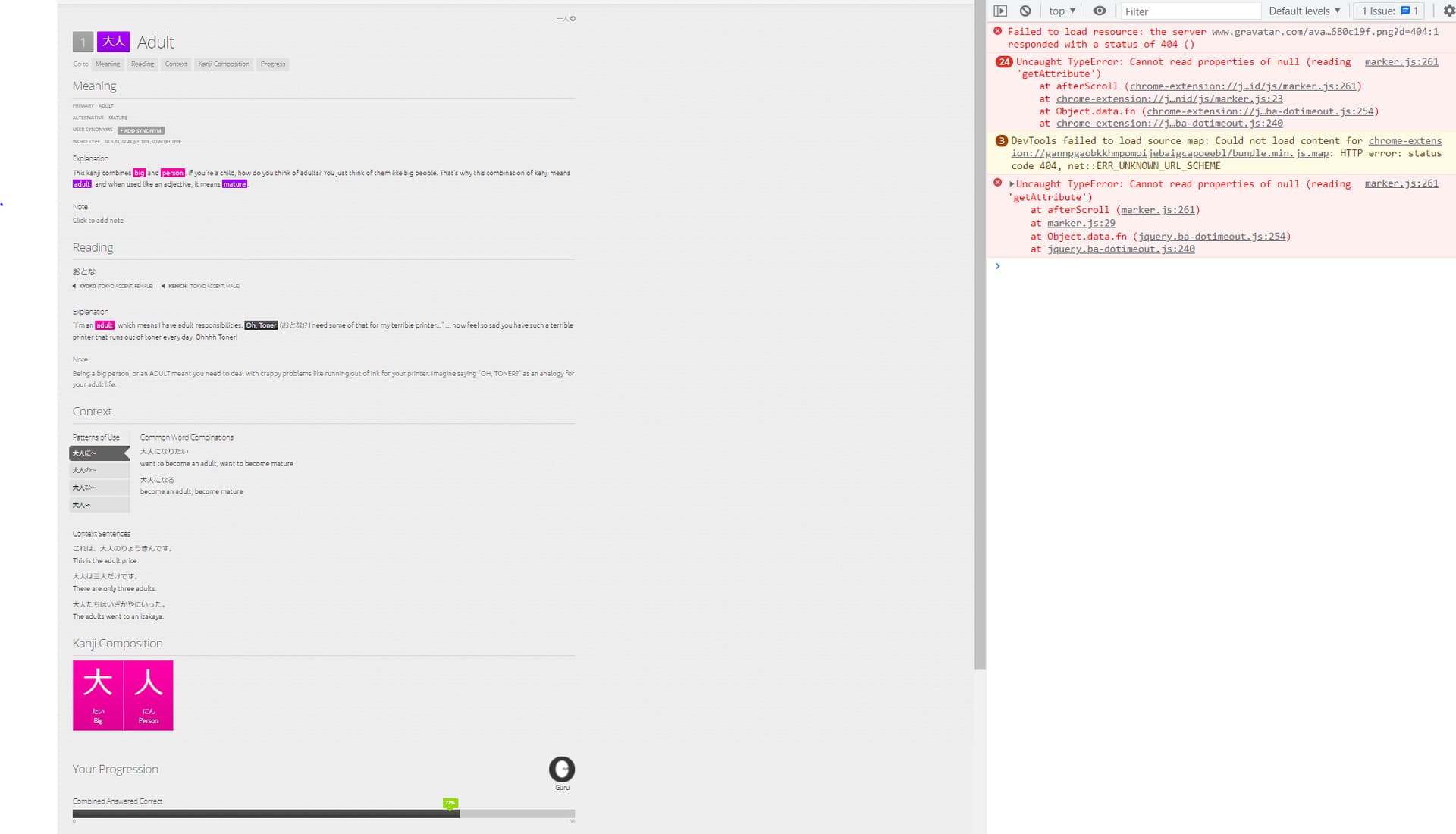
These are the error messages.
Using Chrome on Windows 10, up-to-date and other scrips are working as you can see. Is it possibly a compatability issue?
These are the error messages.
The screenshot is showing a kanji review, but the script should only insert its section on vocabulary reviews. Can you check the console for different errors during a vocabulary review or on a vocabulary item page?
The errors in your screenshot seem to come from a chrome extension and are probably not related to your issue with “Anime Context Sentences” – but just to make sure, what extensions do you have installed (other than Tampermonkey)?
The errors in the console are caused by the “Scroll Marker” extension, but I tested the extension in my browser, and the “Anime Context Sentences” section still appeared, so this wasn’t the problem.
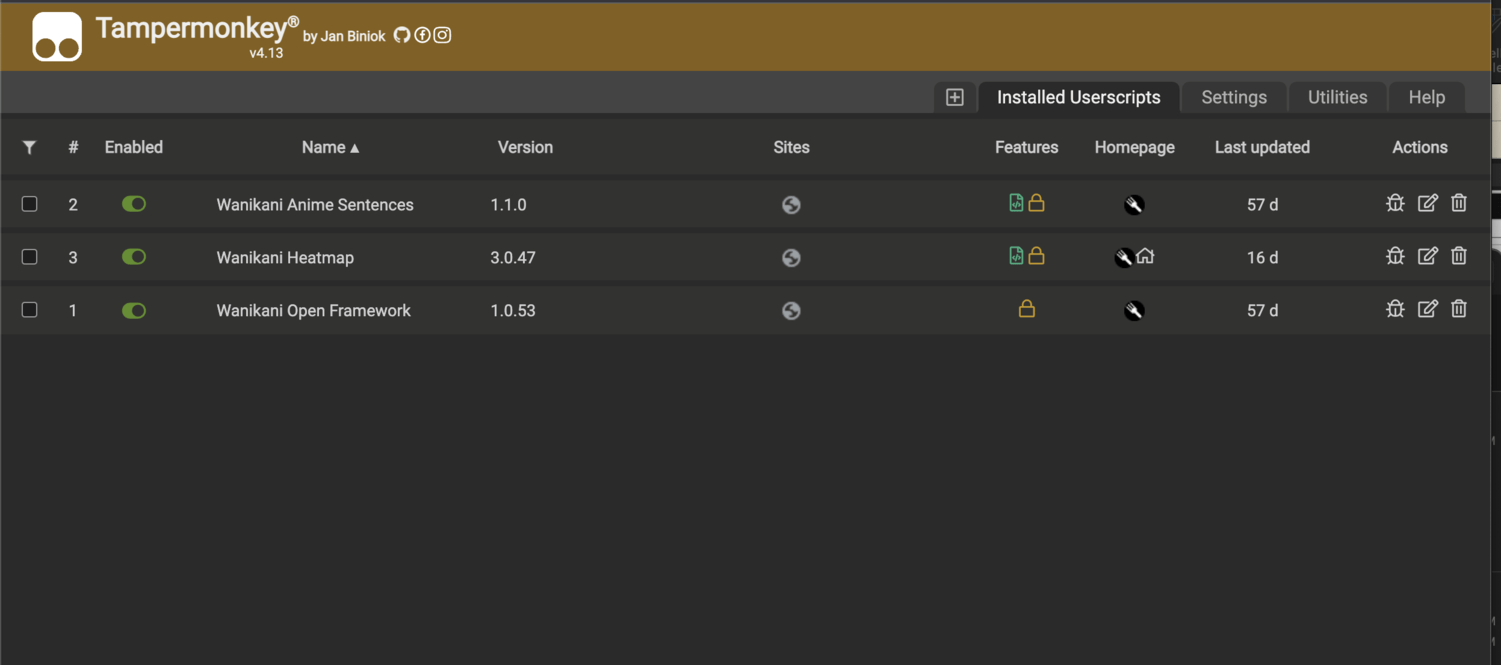
Can you try disabling all extensions other than Tampermonkey and check if the “Anime Context Sentences” section appears? And if it’s still gone, maybe disable all WK userscripts other than “Open Framework” and “Anime Context Sentences” and see if that changes anything?
I would’ve been non-ironically scared if a wall of text like this appeared in the subtitles of an anime I’m watching ><
I’ve seen this sentence in the database before but I kept it because the audio and subtitles are actually accurate.
Also, min_length and max_length parameters have been public for a while if the script can be updated with default restrictions on max_length. Documentation here.
Wow this is epic… but I’m totally ñot into any sort of programming… i use kakumei for WK oon my phone, can i addthis feature? Also , does it have kuroshitsuji?
This is super useful, many thanks! I never thought something like this would be doable due to copyright.
No, it does not.
As far as I can tell, the user scripts only work for desktop browsers given that they depend on a browser extension.
Hey, not sure if anyone else is having this issue, but the settings icon is not working for me. (It shows it can be clicked, but nothing happens when I click it. All of the Ghibli context sentences work normally however)
(I am using Chrome for better context)
Thanks
Do you have Open Framework installed?
THAT’S it! I had it working on my work computer, so I couldn’t for the life of me figure out why it wasn’t working on my home computer. Somehow OpenFramework slipped my mind. Thank you very much!
What are the magic words to have the regular context sentences display correctly again? I don’t have this problem on my home computer, but I turned the script back on on my work computer and it shows all the code in the normal context sentences
I’m not sure what issue you’re experiencing.
By regular context sentences are you referring to this userscript?
While I have a similar script installed (but not that one it looks like), the vanilla context sentences are what I’m talking about
What other scripts do you have? And which browser are you using?
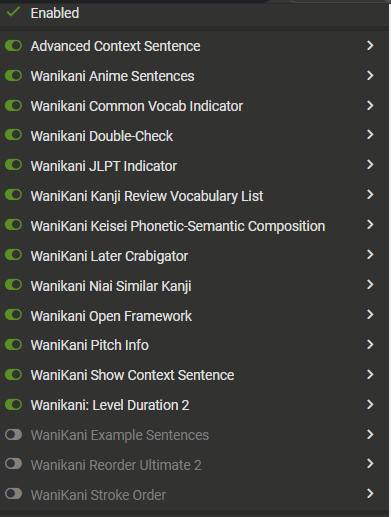
My current working config on Chrome:
I’m using Chrome and I’ll need 12 min for new reviews to show what I actively use in reviews 
Try toggling “Advanced Context Sentence” and “Wanikani Show Context Sentence”?
I should have saved some reviews… Will give it a go in 27 min