@Giorgos1992 I revisited your request and currently have an implementation where a preset for a similar scenario can be selected. In this feature, I termed it “Shaky Recalls” — basically it’s what we’ve come to know as leeches but decided to not call it that since my understanding of what a leech is doesn’t align with the way it is used in the context of learning. This feature is a work in progress and hopefully should be ready when the next update is available.
I found another bug. Seems to maybe be a font issue? I have randomized fonts turned on. Almost all of them selected. The particle for “Twenty” shows as blank. I’m not sure which font it is because I can’t see it. I exited and went back to the reviews a few times and each time it was blank. Here are a couple screenshots.
The blank one.
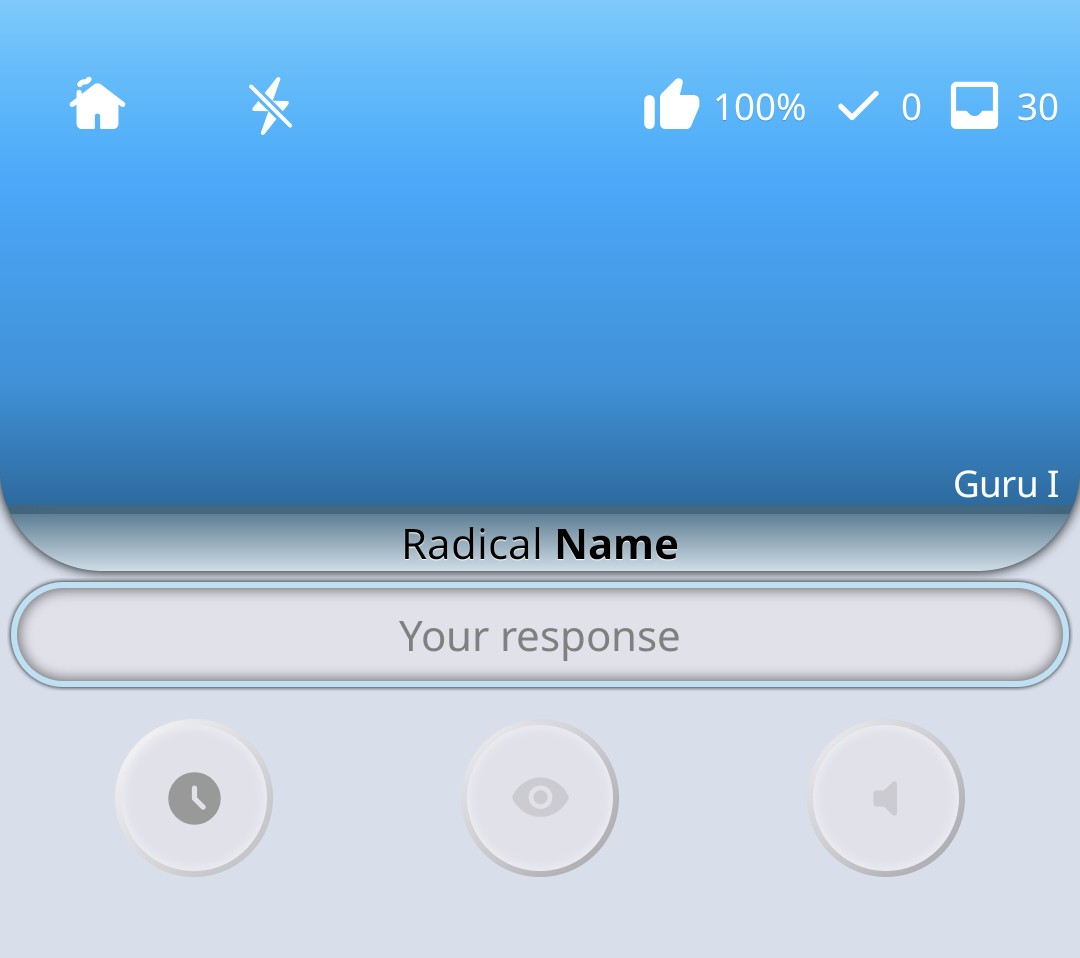
When I view it in the regular details screen.

I had to go back to the regular WK app and do the reviews there to figure out which one it was. Other particles seem to work fine so far.
I was hoping to catch this bug early on but never came across it. The issue is some fonts don’t have that Unicode and usually it falls back to a different font but it seems not to be happening for the Twenty radical. I’ll look into it. In the meantime, could you help narrow down the font that could be doing this? For example, turn off some fonts and try for the radical. I will do some checks on my end too.
By the way, the reason you are able to see the character in subject screen is because you have the font on default. Fonts you select for randomisation don’t have any effect in Lessons and subject view. You can still change the font you see on those screens by choosing a font in settings (the one that shows currently selected font).
Edit:
Just as I finished typing the above, I went into app and selected the Chihaya font and I saw this:

So far, I have noticed a couple of fonts don’t have that like Aoyagi Kouzan, Chihaya, Craft Mincho, 851 Gkktt.
I have gone through all the fonts and the above listed don’t have that character.
Prior to adding newer fonts, I checked to ensure the fonts supported JIS 1, JIS 2 and supplementary kanji characters but I didn’t for the newer ones.
The options available to me are either handle the case where the character isn’t supported or remove the fonts entirely.
In the meantime, avoid those abovementioned fonts.
Edit:
For now, it seems this issue is specific to radicals and so far, I haven’t found a way to fix this issue without having to remove the fonts. The other option that avoids deleting the fonts is to simply render radicals with the default font.
I pushed a new version (1.3.5) that should fix that bug and a few other issues I noticed during my tests. I decided to just render all radicals with the default font since some radicals are edge cases in the sense that not all fonts support their Unicode.
That makes sense. I guess if a radical doesn’t have a kanji of the same thing maybe that is where it can be missing? Either way this seems like a solid workaround. Thanks!
Introducing Shaky Recalls

This feature is part of self-study and will let you do a study on items that you struggle with – you know those items you sometimes remember and sometimes don’t, yes the ones that don’t stick. Basically, it is what most people would call leeches (I don’t like that word as its meaning doesn’t reflect its usage in the context.)
A new version (1.4.5) has been sent in for review and should be available in a couple of minutes (maybe hours.) is available for download.
 New Feature Drop: Shaky Recalls!
You know those items that just won’t stick no matter how many times you see them?
Yeah… we’ve all been there. 
 Meet Shaky Recalls — your new self-study preset for mastering the wobbly stuff.
It automatically pulls in the items you’ve struggled with recently and builds a focused review session just for them. No setup, no guesswork — just pure reinforcement where you need it most.
Why you’ll love it:
 Focus on your weak spots
 Strengthen memories before they fade
 Instantly launch from your presets menu
How to try it out:
 Open Self-Study
 Select Shaky Recalls and smooth out those shaky memories
Hey, if you don’t have shaky items try some other presets.
Additionally, this release adds a new font — Cine Caption (recommended!) and improves the readability of the informational tooltip that appears when you tap a level bar in Level Progression chart.
Apologies if i missed discussion on this, or if it’s a setting i’m not recognizing:
i’m doing reviews, and get something wrong. i want to keep going, it just asks me the same thing again. I get it right this time and move on…
On the web, if i get something wrong during reviews, it’ll pop back up sometime later, but not immediately. I feel like this is a bit of a better test, and have to admit, i’ll sometimes get it wrong again in the same session b/c i’ve already forgotten again.
Is that behavior configurable? Expected?
What reviews presentation order are you using?
i left it as the default, looks like “lower levels first”.
That’s why you get that behaviour. It orders the items by lower levels so there is a higher likelihood that the item you just failed appears immediately.
Now that you brought this up, the logic around this can be improved so I’ll work on doing just that and should behave better in the next update.
Just joined the beta and loving the app so far! It works pretty well even offline when I’m in the middle of a review session and suddenly lose connection. Thank you so much for working on this!
I might be missing a setting but I noticed that when I get a question wrong and then look at the information and then want to proceed to the next card, I have to click on the input box which is quite small to open the keyboard and then click the enter button. Any chance we can put a dedicated button or a swipe gesture to go to the next review card to reduce a tap?
Hi @alexzhangn, glad the app is working for you.
For the issue you mentioned, it has to do with how your phone model handles the item info sheet opening and closing. On my Pixel device, when I close the item info it opens the keyboard but on my Samsung device it behaves exactly as you described.
I will look into this and get it to open the keyboard on closing the sheet regardless of the device in use.
Wow yeah you got it. I’m on a Samsung device! Sometimes it’ll auto open for the vocab reading input review cards (with the japanese keyboard) which is interesting. Thanks for looking into this!
I appreciate the response. I should have a fix for this in the next release.
A new release has been published with fixes for @edrico’s issue and @alexzhangn’s issue.
What’s new (1.4.6)
- Replaced BIZ UDPMincho font with BIZ UDMincho
- Removed 851 Gochikakut and Chihaya Gothic fonts
- Applied selected theme accent to progress indicators
- Added Honoka Shin (Mincho & Maru Gothic) and 851 Maca Pop fonts
- Fixed reviews ordering logic bug after a failed question
- Fixed showing keyboard inconsistency on certain device models after closing item info sheet
I made a new request to be added to the list for testing, please disregard that.
Have you been added previously?
Not sure if other folks have encountered an ordering thing where if you have a lot of reviews (I have around 300) it’ll go through many reviews of either the writing or the meaning but will not circle back to finish the pair.
This means that sometimes I’m doing a bunch of review cards and close the app, the progress up to this point is lost and the cards are not considered “completed” as I only completed only one of te cards (either meaning or reading).
I’ve found that if I click the wrap up button, it’ll let me finish those cards and then I uncheck the wrap up button right before I’m done to keep going. Let me know if I’m making any sense…kind of hard to put into words.
This happens due to a shuffling algorithm that ensures randomisation. If you want a different behaviour you can change the reviews order in settings. There are a couple of options, particularly a paired option that puts meaning and reading questions together while also employing some form of randomisation.