It’s been a while so I don’t remember. Maybe they’re basically the same at this point.
Just wanna clarify that it does quiz you on the sentences 
Core 10k on Kitsun quizzes you on:
- Japanese word → Meaning
- Japanese word → Reading
- English → Japanese
- Japanese sentence audio → Recognition (flipping card to answer with “understood” or “not understood”)
- Japanese sentence → Recognition (flipping card to answer with “understood” or “not understood”)
One does not need to do all modes as well. You can select which ones you want to do in the deck settings.
Not to mention that I’ve probably sent over 5000 suggestions on Kitsun’s Core 10k already (adding PoS, adding more meanings/better synonyms, etc) 
How to do this
Steps:
- You go to the deck.
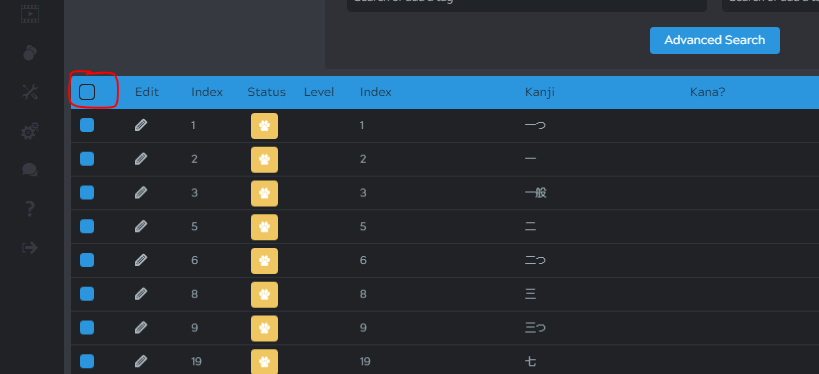
- Manage cards - a table with the deck cards will load.
- You click on the square surrounded in red in the screenshot under to open advanced search.
- Then, you type “wk” and click enter in the “Tags” box.
- Finally, you click “Advanced Search”.

- Clicking on that first square will select all cards.
- And then you click hibernate and boom, they’re hibernated!

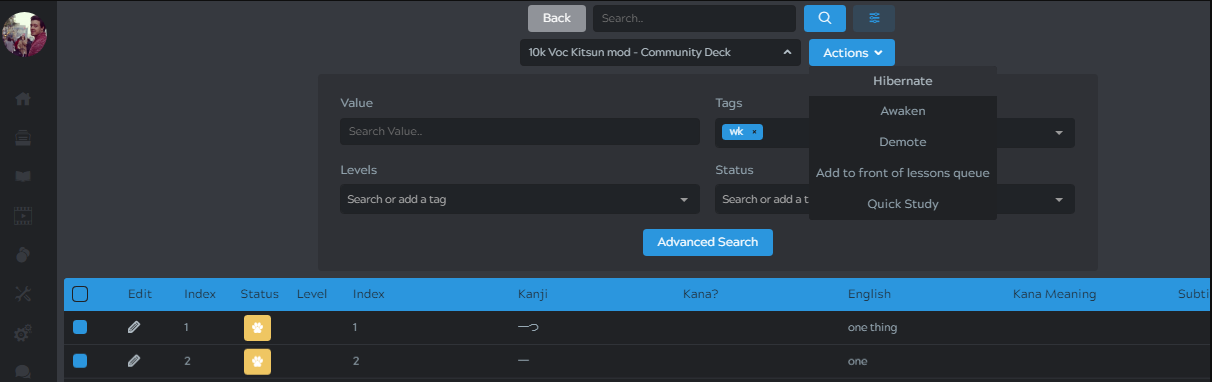
If you’re also using the sentence cards, then you’ll need to also load the those cards (those first cards that loaded were only vocab cards).
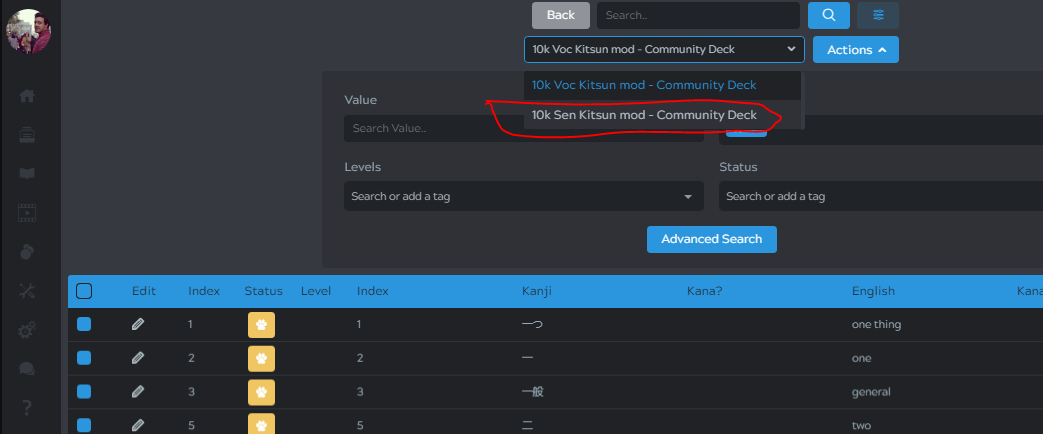
*And you repeat the previous steps for that again :DD
Hope it was clear 
Kitsun has Jisho integrated, so you can go to Kitsun.io, search for the term you want and click on “Generate Flashcard”.

The Default Flashcard will make you a flashcard with word → meaning and word → reading (just like Wanikani). Custom Flashcard is more when you want to add more ways of being reviewed besides those (for example, EN → JP) or when you wanna use the layouts (the looks of a deck) that are not the Kitsun official ones.
You can also just search Kitsun.io search term here** that it will directly search for it.
Where are you struggling with?
Thanks! I got the 10K right now 
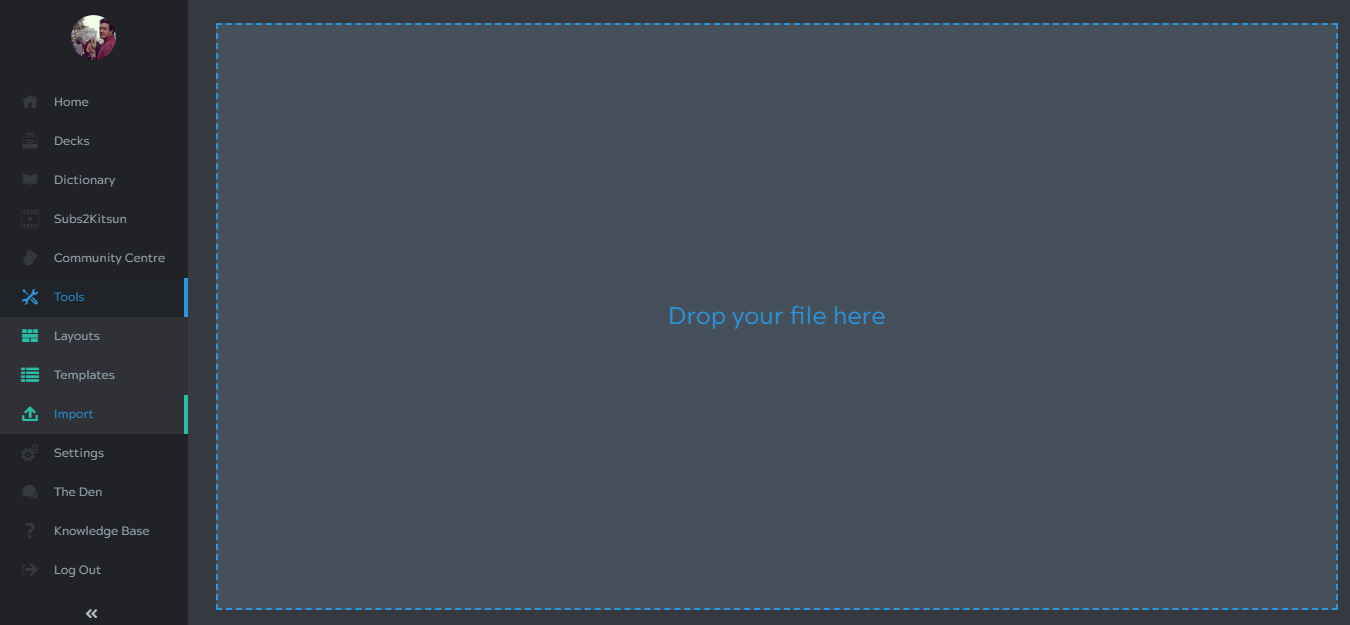
As for my deck, I can’t seem to change it’s basilar layout…I go to decks, manage, I select all the card and then select layout but they don’t chance 


My deck from Anki is the most basic and if I review it in kitsun the words are really small…I want to change the layout to make them bigger but I don’t know how to change the layout of the whole deck.
What should I do after I selected all the cards?
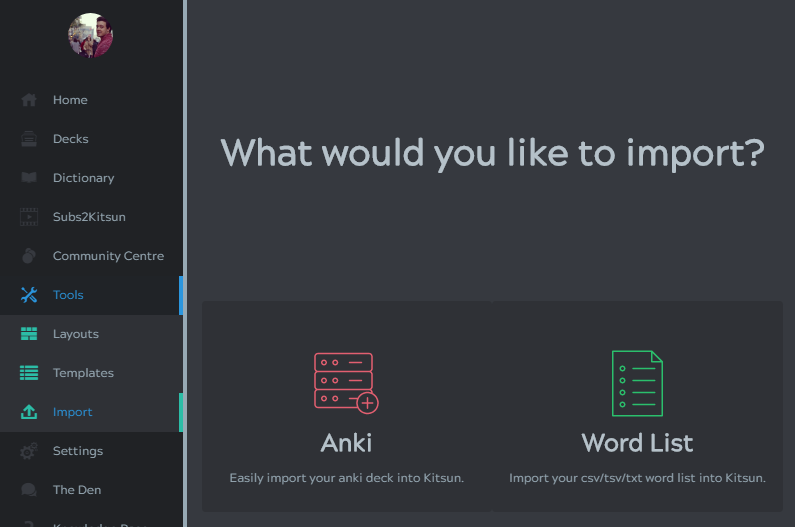


done thanks 
Now layout is fine but is it normal to have so many cards related to the same word when I create cards directly from the dictionary? 
Nice, glad you found your way 
hmm.. no?  It should only create one. Would you mind explaining the steps you’re doing? Maybe post it on Kitsun’s thread so that Neicul can help you
  It might be a bug.