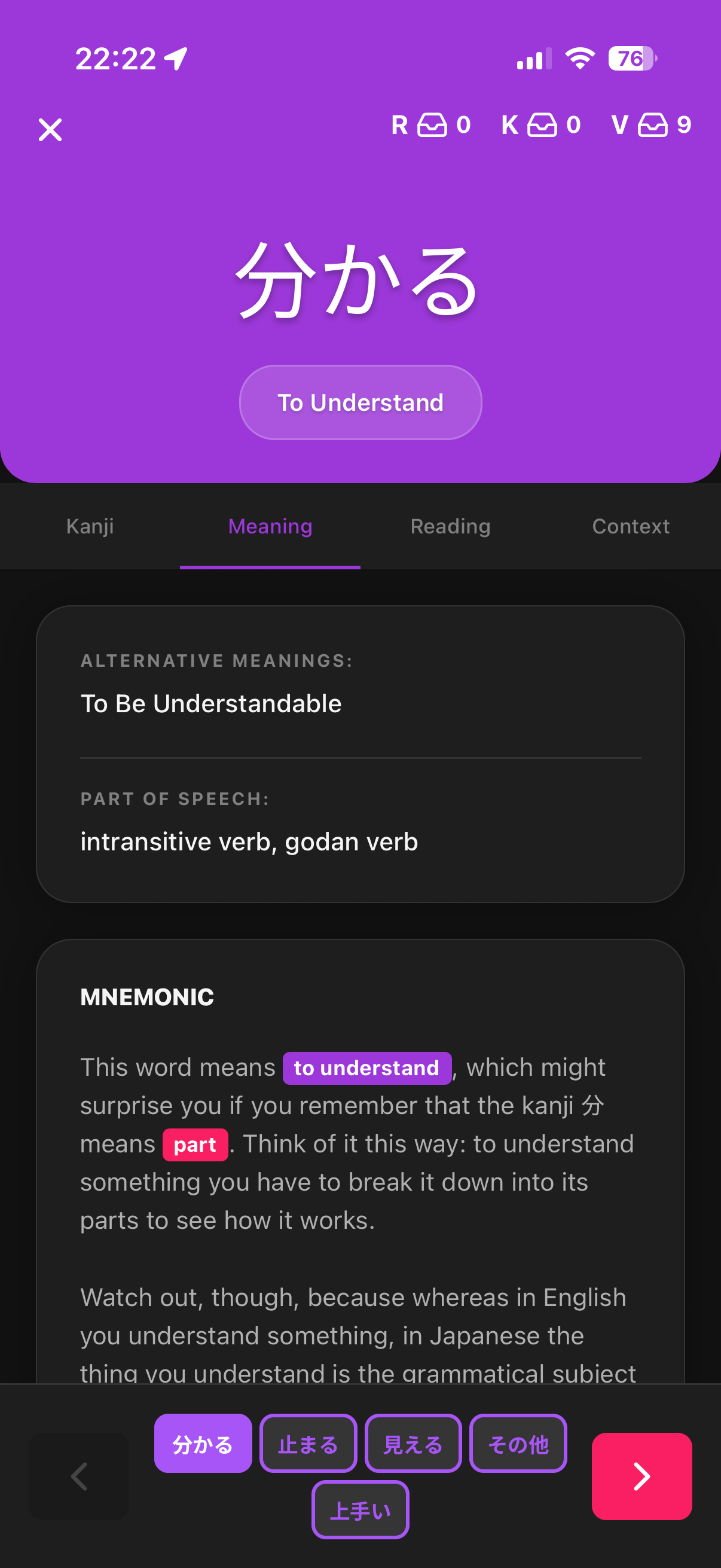
Oh great wizard @portego this humble cat beseeches you. After testing for a couple of days, here are my feature requests so I can fully get off the other apps :
Review option to try again later (returns card back into current session’s review pile instead of moving it down the SRS ladder) when I make typos . Marking correct and add synonym would also be nice bonuses but I don’t use those often.
For the quizzes a) make the input box background black, b) center text, c) clarify if the item is vocab or kanji or radical instead of ‘question’, d) bold text ‘meaning’ or ‘reading’
Stat on how many lessons I have remaining on current and previous level. Tsukurume summarizes nicely the count of apprentice, guru+, lessons, and locked. I prefer it to the other views, because it de-emphasizes the leveling up gamification aspect and encourages me to do all my lessons.
Woooow, this is fantastic feedback!!! Thank you for taking the time to test and write it up so clearly.
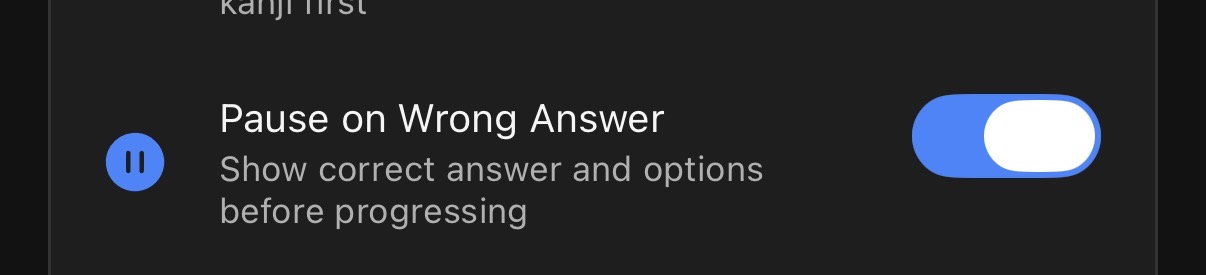
I’ve updated the app with the requests 1, 2, and 5. Check out the settings page to add these settings (for 1 - I added a “Pause on wrong answer” that lets you re add it to the queue, mark it as correct or click the checkmark again to mark it as wrong. For 2 it only shows the text field black in dark mode. For 5, there is a setting to change the lesson batches from 2 to 10). If this is not fully how you expected it, let me know.
I’ll work on adding 3 tomorrow or over the next few days.
And for 5, there is something similar in the level tab. I’m aware this might not be fully what you’re looking for, but I also found the graph in tsurukame somewhat confusing. I’ll give this some thought to show this in a better way.
Yeah re-downloading it worked a treat, and I’m loving the integration of external resources such as news and anime for real-world context! Although I’m not an anime guy, it does help seeing it in use! Thank you for committing your talents to making such an educationally beneficial app (Sent a beer, treat yourself )
Perfect thank you. the most important par for me is the manual user synonyms, give me an option to add it at creation or even give me an option to add one after I got something wrong.
This feature should be live now. Since I don’t really use this, I’m not sure if this is exactly what you expected, so let me know if you want any changes to the feature or if there are any bugs. You can add synonyms to subjects on its details page, or after getting a meaning wrong.
You need to enable this in settings so that user synonyms are counted as correct during the reviews.
hello so I started using this and there are 2 parts to this. One is the one you described. If I go to a kanji I can add a synonym which is awesome. It seems to work when I choose a kanji from anywhere in the homepage or after making a mistake. Like this:
There is one spot where it is missing and that is when I am doing lessons. In that page see example, the “manage” button seems to be missing. So I can’t create synonyms when learning the lessons itself.
One more point would be maybe like in Tsurukame, there is a. Counter in bottom of the screen that says how far you are to the next level ( guru/master…) and when you reach one there is an icon on the screen that confirms that this word just went to guru level ..
This is an AMAZING app!! Thank you so much for spending your time and energy and skills making this and sharing it with others
I love being able to finally ‘train’ my listening skills with specifically items I’ve learned in WK. As well as articles showing what I would find easier to read or not.
I hope you don’t mind me sharing some feedback:
So the first time I did reviews on the app, a confusing thing happened. I wrote the answer and submitted it, to which the item ‘cleared away’, and I continued answering the next ones… Until that first item reappeared! I thought, “uh, I did this before already??”
But I kept going because I thought maybe I was remembering wrong… Until it happened again. And to other items. At first I thought it was a bug, but soon after realised… It was because I was getting the items wrong! LOL
I just wasn’t realising I was. I personally found the feedback for a wrong answer was not working for me at all (as far as I know, just a small red ‘X’ on the item at the top-left of the screen, when said item clears away). I wasn’t noticing those red Xs at all, so whenever an item cleared away, I assumed I was getting them right
i already gave some feedback in-app (as you’ve already seen (there’s more now)), but i gotta say this is a LIFESAVER of an app. just checked my email on a whim to check the community posts and saw this. i cannot put into words (in english OR japanese) how much i needed a wanikani app in my life. i wish i could help but i cant program to save my life. either way, thank you for this, it’ll make this year’s ‘perfect’ streak very nice.
Thank you so much!! Reading messages like this means a lot to me
Please don’t hold back on sharing feedback or feature requests. I’m loving all the feedback I’ve been getting, and makes me improve the app a lot faster than I would on my own.
As for what you’ve mentioned, It is true that it is very subtle the difference between a correct and incorrect answer (just the small x on the item, a subtle red glow, and different haptic feedback). I built it like that and got used to it to go through the reviews faster. I got some similar feedback earlier, and added a setting to stop when you get a wrong answer (@Gigitm already mentioned this in a later message). I should probably make this the default though.
 After testing for a couple of days, here are my feature requests so I can fully get off the other apps
  :
: . Marking correct and add synonym would also be nice bonuses but I don’t use those often.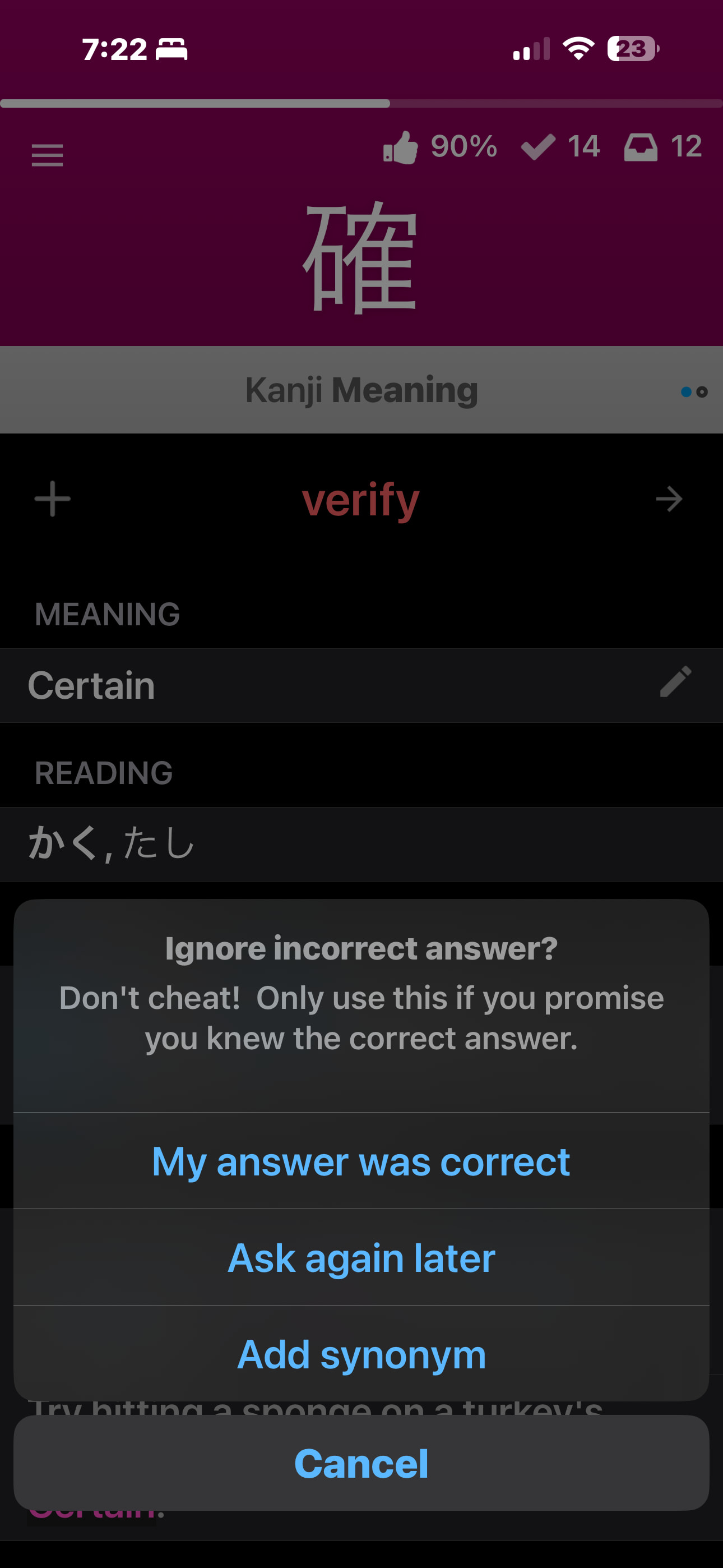

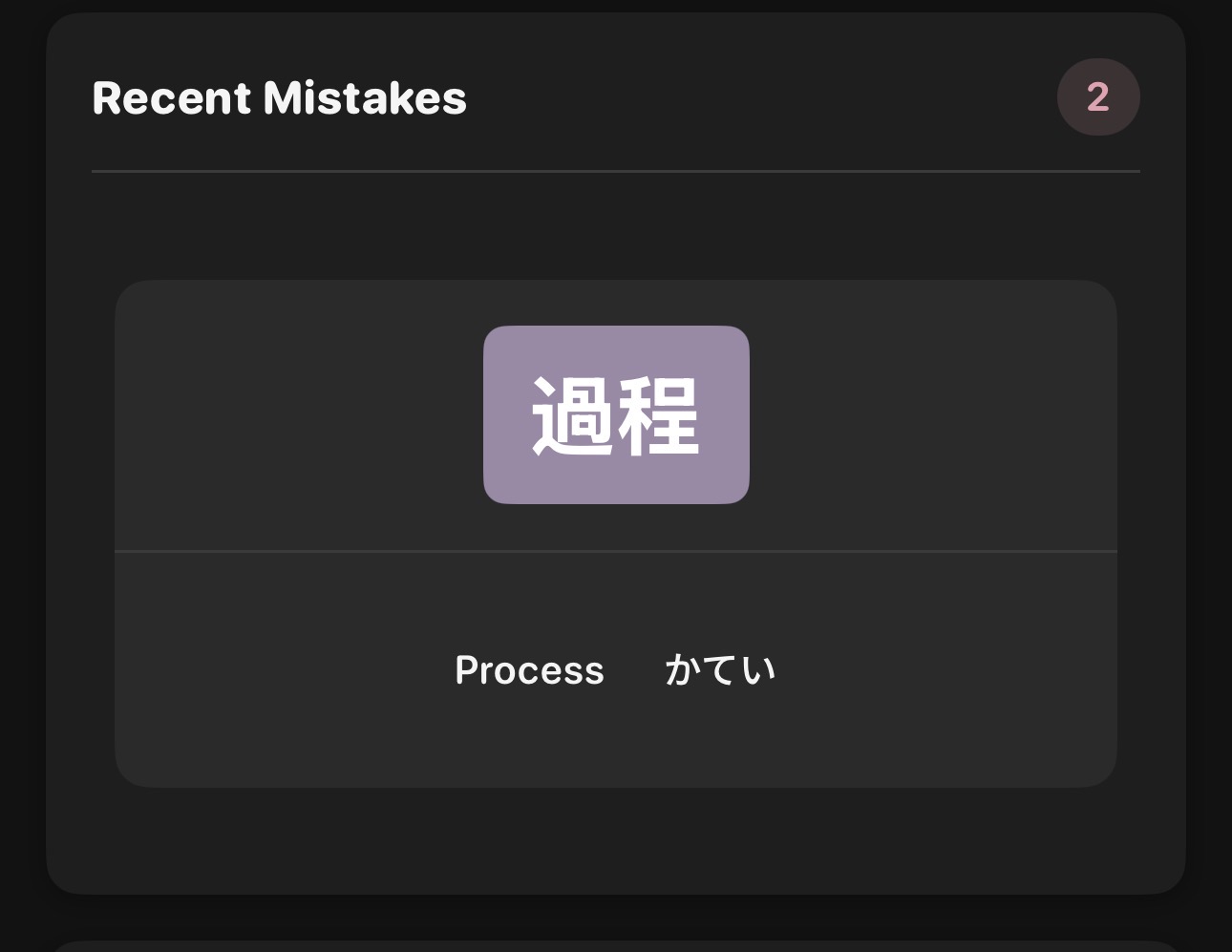


 )
)